
Updated November 2026
The short version
- Commercial intercoms cover elevator emergency phones, gate and vehicle entry, garage entries, lobby and door entry and loading docks.
- Many still run on POTS lines, which providers are retiring. A failed elevator line can mean an entrapment with no working phone.
- Look for a reliable connection with battery backup, a secure network, remote management and links to access control.
- 5x5 provides intercoms connected over your building network instead of a POTS line, alongside access control, with one team supporting both.
Where commercial buildings use intercoms
- Elevators
- What the intercom does: An emergency phone or intercom in the car lets a trapped passenger call for help
- Who usually answers: A monitoring center, guard or building staff
- Gates and vehicle entry
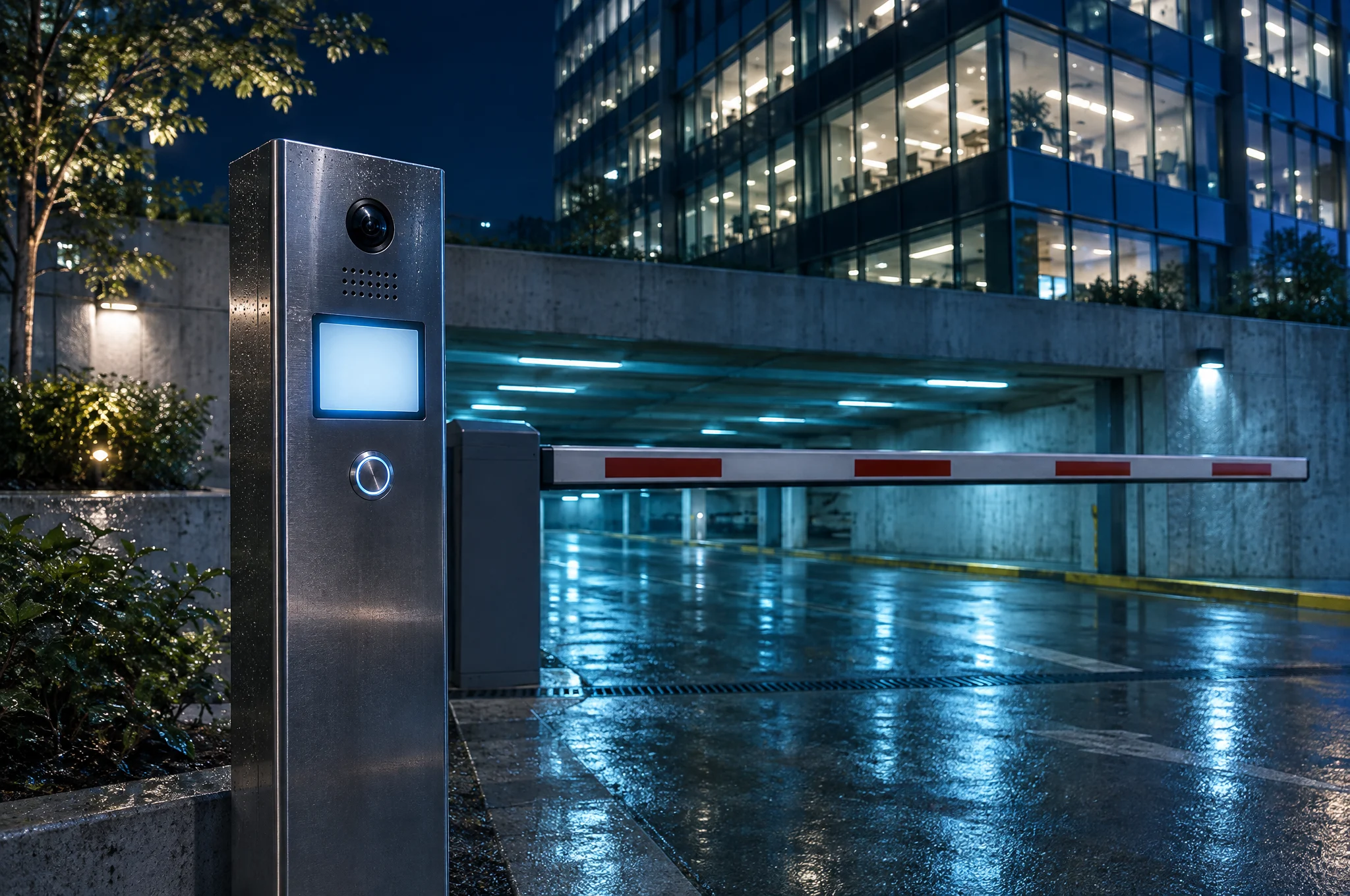
- What the intercom does: Drivers call from a post at the gate to be let in
- Who usually answers: A guard, front desk or property manager
- Parking garages
- What the intercom does: Entry and exit intercoms help drivers with gates, tickets and access
- Who usually answers: Garage staff, a guard or a property manager
- Lobby and door entry
- What the intercom does: Visitors call a tenant suite, the front desk or security, before or after business hours
- Who usually answers: The front desk, a guard or a tenant
- Loading docks and service doors
- What the intercom does: Drivers and vendors call ahead to be let in for deliveries and service
- Who usually answers: Building engineering, a guard or a tenant
Types of commercial intercom systems
- Audio
- How it works: Voice only, between the access point and the person answering
- Good fit for: Elevator emergency phones and simple entries
- Video
- How it works: Adds a camera, so the person answering sees who is at the gate or door
- Good fit for: Lobbies, gates, garages and loading docks where staff check visitors before letting them in
- IP (network)
- How it works: Runs over the building's network, often powered over the same cable
- Good fit for: New and renovated buildings with network cabling to the access point
- Cloud-managed
- How it works: Settings, directories and entry logs are managed online, from anywhere
- Good fit for: Property teams managing many access points or several buildings
- Cellular
- How it works: Connects through a cellular connection, with no network cable to the access point
- Good fit for: Gates, parking entrances and spots where running cable is hard
Cloud-managed describes how a system is managed, not how it connects. A cloud-managed intercom can use the building's internet, a cellular connection or both.
How intercoms connect
- POTS (copper phone line)
- What to know: Common on elevator emergency phones, gate phones and older entry phones. The FCC says aging copper lines are costly to maintain and increasingly difficult to repair, and providers are retiring them. Carriers are also raising prices on the POTS lines that remain.
- IP over the building network
- What to know: Calls can reach the front desk, guards and other devices, and the system can be managed remotely. It needs a secure, well-run network.
- Cellular, LTE and 5G
- What to know: No cable to the access point. Works best where cellular signal is strong, and pairs well with a network connection as a second path.
Power matters as much as the connection. The FCC notes that phone service on newer networks may not work during a power outage without a backup power source. Plan battery backup for each intercom and the network or cellular equipment it relies on, especially in elevators.
If your elevator phones, gate phones or entry phones are on POTS lines today, 5x5 replaces those lines with the right combination of VoIP adapters, cellular, LTE, 5G and internet connections, with battery backup. We work with your elevator, alarm and monitoring vendors, including your existing monitoring company, and test each system before its POTS line is canceled.
Elevator emergency intercoms and phones
Elevator emergency phones are the access point where a failed line matters most. When the line behind one stops working, a passenger can be trapped with no way to call for help. Many still depend on POTS lines.
Before replacing an elevator line, confirm what the phone needs with your elevator vendor, monitoring company and local inspector. 5x5 finds every POTS line in your building, confirms what each system needs with them, replaces each line with a connection that has battery backup, and tests it before the POTS line is canceled.
Integration with access control and remote management
Intercoms and access control do two halves of the same job. The intercom handles visitors, drivers and vendors; access control handles the people who belong in the building, with cards or fobs that open the doors, floors and rooms each person is allowed to use.
When the two work together, staff can let a caller through a gate or door from wherever they answer, and entry records from calls and cards can be reviewed in one place. Remote management lets your team change settings, update directories and review entry logs without sending someone to the gate or garage. Many modern systems also let staff answer from a smartphone app.
5x5 installs and manages access control on the same network we secure for your intercoms, with entry records you can review, so one team keeps doors, gates, entry systems and the network working together.
What to look for in a commercial intercom
- Reliability: a connection that keeps working when the power or the main internet line is out, with battery backup and, where it matters, a second path such as cellular.
- Network security: an intercom is a network device. CISA warns that network devices are often not maintained to the same security level as computers, and recommends segmenting networks, hardening devices and changing vendor default settings and passwords.
- Remote management: change settings, update directories, review entry logs and fix problems without a trip to the access point.
- Directory updates: tenant suites, staff and after-hours contacts should be quick to add, change and remove.
- Built for the location: gates, garages and loading docks need equipment made for weather, vehicles and heavy use.
- Support: one number to call, at any hour, when an elevator phone, gate or entrance stops working.
How 5x5 Telecom can help
5x5 Telecom provides intercom and entry systems for lobbies, gates, garages and doors, connected over your building network instead of a POTS line, and replaces the POTS lines behind elevator emergency phones and other building systems. Intercoms run on the same network 5x5 manages for your other building systems, with each system on its own secure segment, apart from tenant networks, so a problem in one stays contained.
We also install and manage access control, AI camera security and visitor management on that network, so one team supports all of it. Our support team is US-based. During business hours, every ticket gets a first reply within 60 minutes. Outside business hours, including weekends and holidays, emergencies get the same 60-minute first reply. Request a quote, or call (866) 595-8353.
Related services and guides
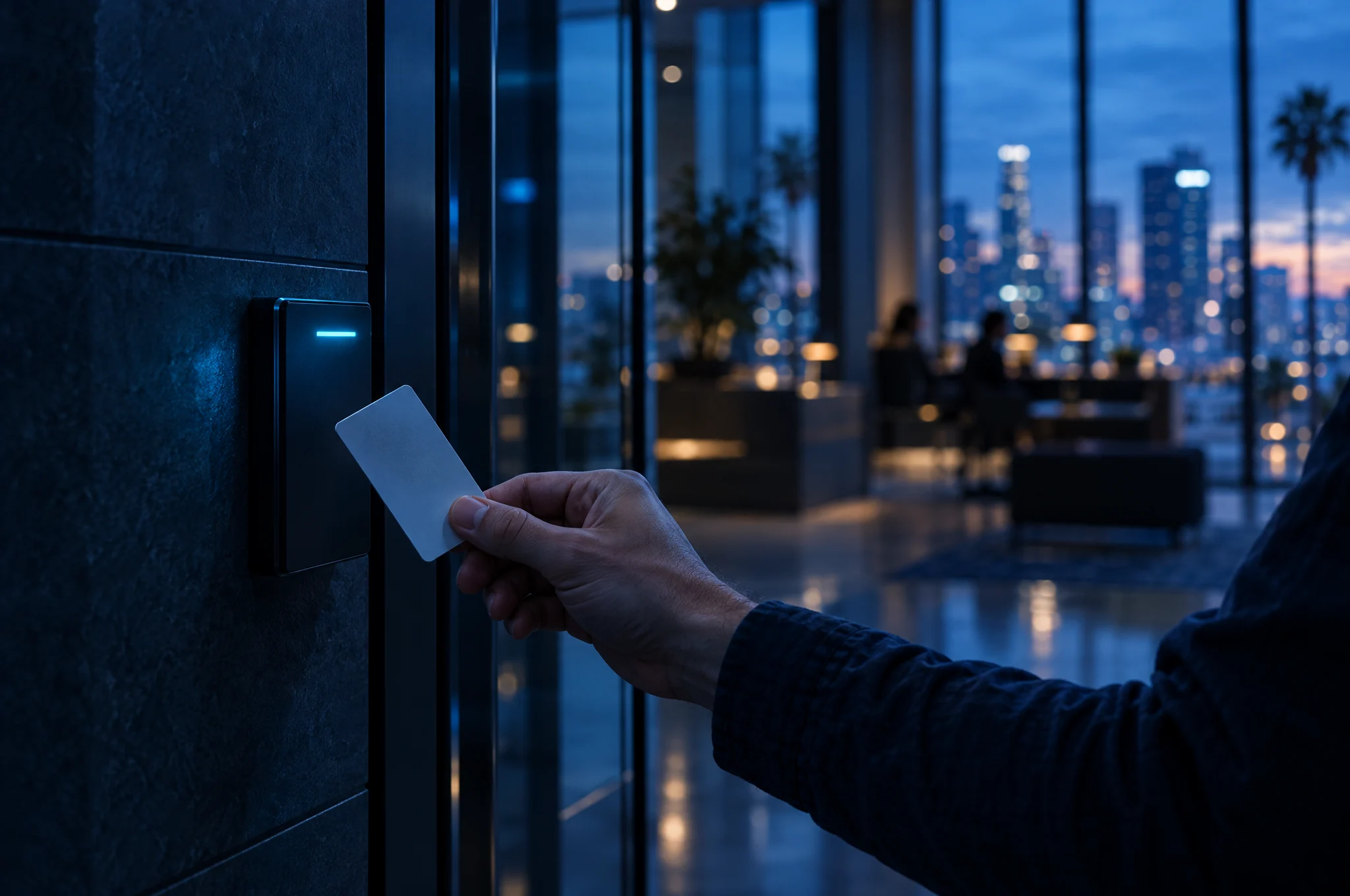
Access control systems
Cards or fobs for doors, floors and rooms, with entry records.
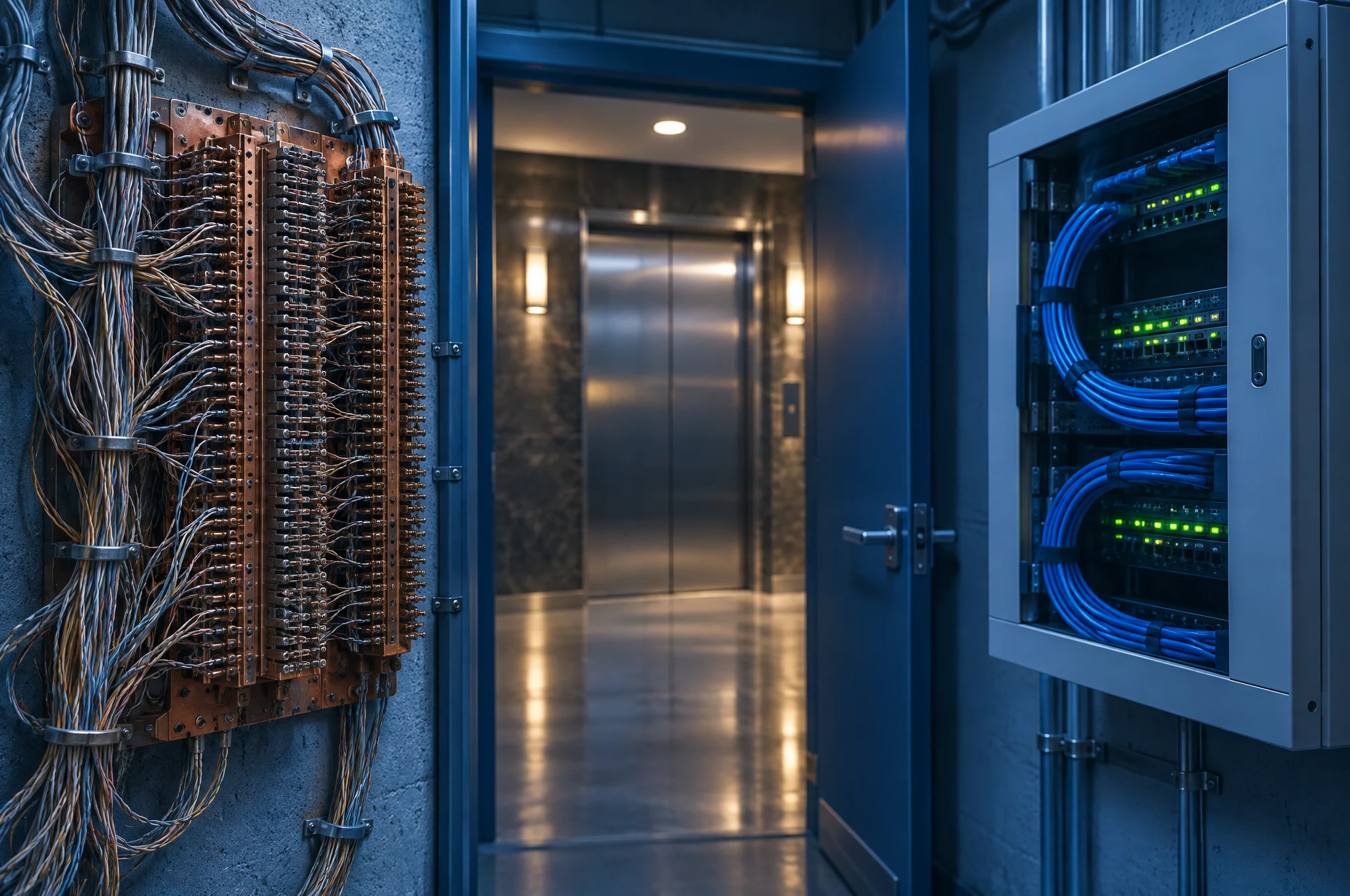
POTS line replacement
Move elevator phones, gate phones and alarms off copper.
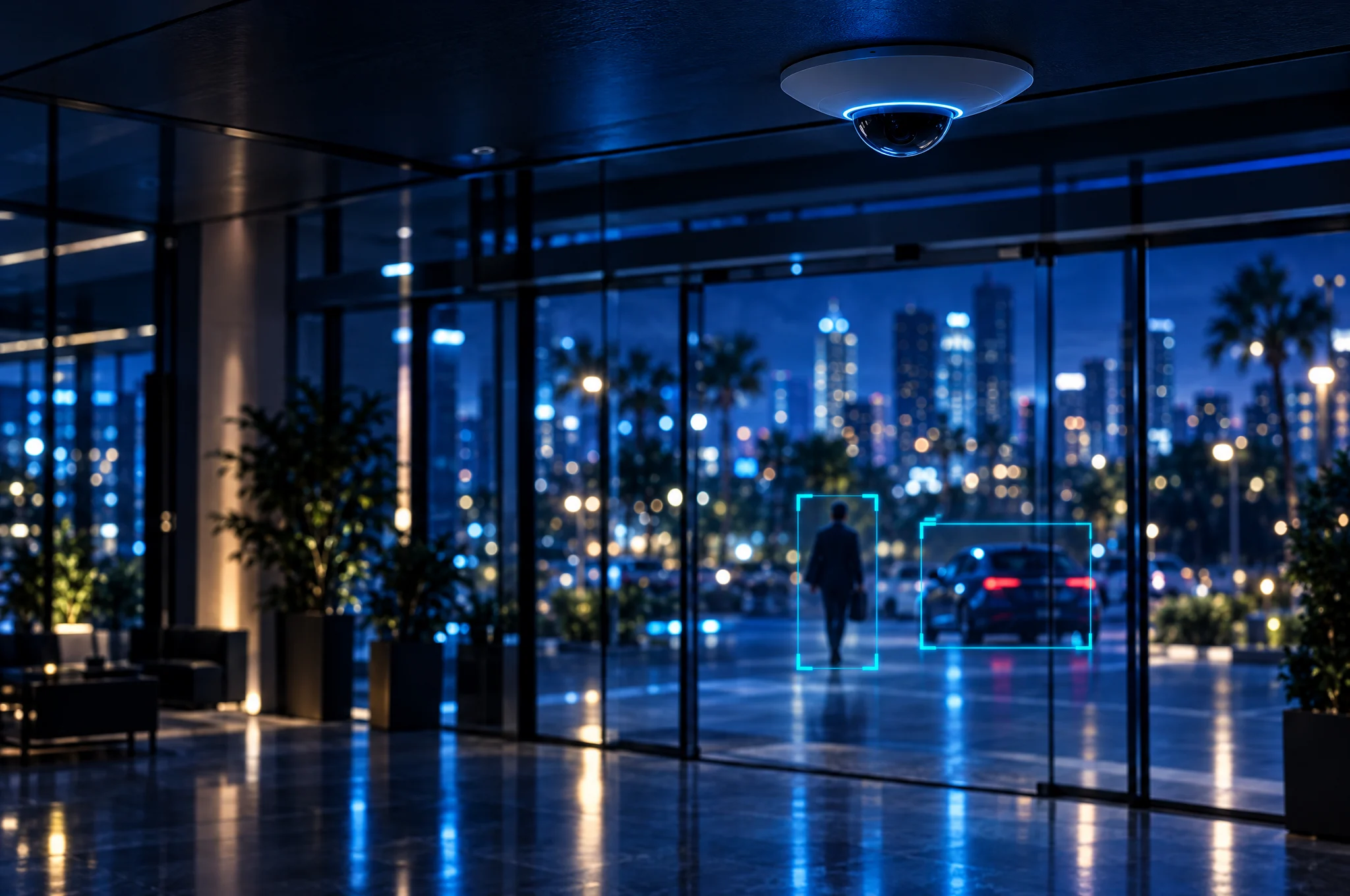
AI camera security
Cameras managed on the same secure network.

Services for building owners
Lower costs for your building, faster move-ins for your tenants.